Creating a Gantt chart — and when you do not need one
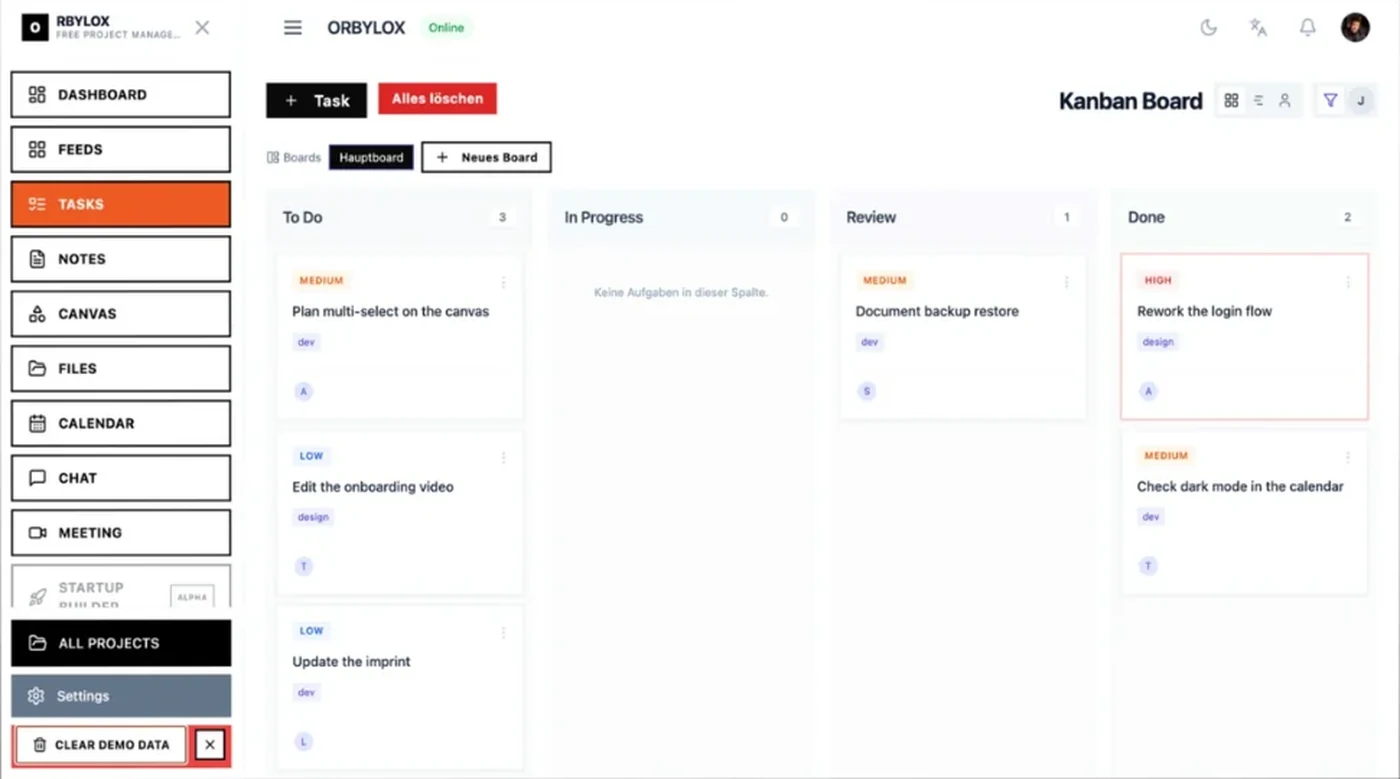
Few tools are asked for as often and needed as rarely as the Gantt chart. "We need a Gantt" usually means: "I want to know when we will be finished." Those are two different wishes.
What a Gantt chart actually shows
One bar per work package, laid horizontally across a timeline. Length is duration, position is the time span, arrows between them are dependencies.
The real value is not in the bars. It is in the arrows: a Gantt shows which delay propagates to the end and which does not. A kanban board cannot do that.
Everything else — who is working on what, what comes next — a board does better.
When it is worth it, when it is not
| A Gantt helps | A board is enough |
| fixed order, physical dependencies | work that can happen in any order |
| a date is fixed and must not move | ongoing work with no end date |
| several trades hand over to each other | one team doing all of it |
| someone outside wants to see the sequence | the team plans for itself |
Rule of thumb: if you cannot answer "what happens to the end date if this one package finishes two weeks late?" in your head, you need a Gantt. Otherwise you do not.
Construction is the textbook case: the screed cannot go before the shell, the tiles cannot go before the screed. Software is usually the counter-example — there, most dependencies are invented, not physical.
Six steps to the chart
1. Work packages, not tasks. One bar per multi-day package, not per two-hour ticket. Nobody reads a Gantt with forty bars. Twelve to twenty is the usable size.
2. Estimate duration, do not set dates. First "this package takes four days", then let the ordering compute the dates. Drawing dates first and filling durations in afterwards is not a plan, it is a wish picture.
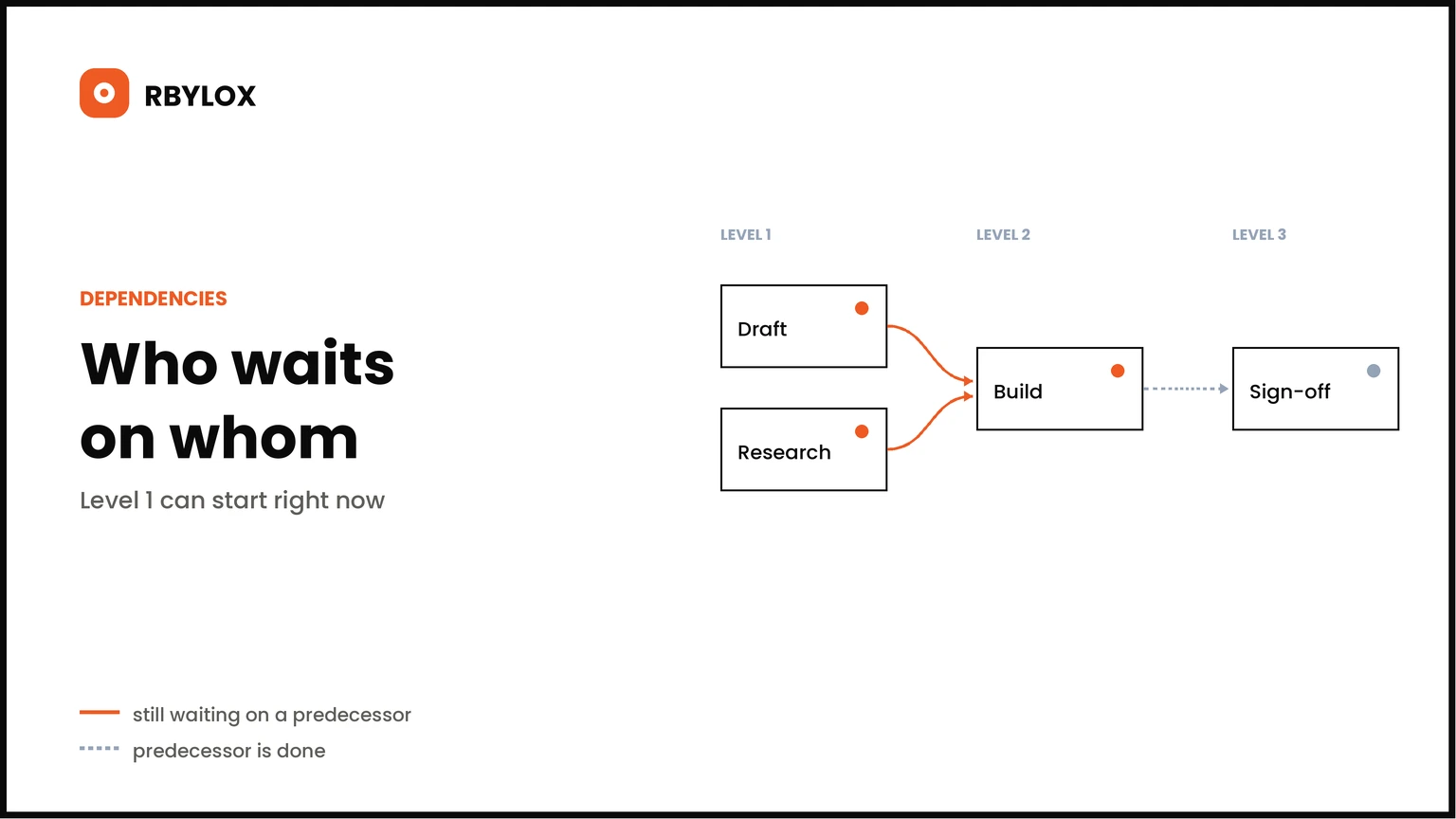
3. Enter dependencies. Only real ones. The test: "could B start if A is not finished?" If yes — however uncomfortable — it is not a dependency, it is a preference.
4. Add availability. Four days of work at half availability is eight calendar days. The most common Gantt mistake is drawing working days as calendar days.
5. Mark the critical path. That is the longest chain of dependencies. Any delay on it moves the end. Everything beside it has slack.
6. Buffer at the end. As one block behind the last package, not spread out. Distributed buffer always gets consumed.
Template to copy
| No | Work package | Duration | Starts after | Accountable |
| 1 | Homepage design | 5 d | — | Lena |
| 2 | Menu copy | 4 d | — | Tom |
| 3 | Build the site | 8 d | 1 | Jey |
| 4 | Load the content | 3 d | 2, 3 | Tom |
| 5 | Table booking | 6 d | 3 | Jey |
| 6 | Sign-off and go live | 2 d | 4, 5 | Jey |
| — | Buffer | 4 d | 6 | — |
Five columns. "Starts after" produces everything else: the critical path here is 1 → 3 → 5 → 6, twenty-one days plus buffer. Package 2 has nine days of slack and should make nobody nervous.
That is the actual work. Whether you draw coloured bars from it afterwards is a matter of taste — the insight is in the table.
The three most common mistakes
Invented dependencies. They almost always come from habit ("we always do it in this order"). Every invented dependency lengthens the critical path for no reason.
The Gantt is never touched again. A bar chart is a snapshot. If it is not maintained after sign-off, it is decoration within three weeks — and more dangerous than no plan, because people still believe it.
People instead of packages. One bar per person across the whole period shows workload, not sequence. That is resource planning and belongs in a different view.
In ORBYLOX
The table above is exactly what is already on the board: tickets with effort, owner and what they are waiting on. Dependencies are recorded, and the board locks what is not ready — instead of someone starting too early.
The timeline shows the same tickets across a time axis, and the dependency graph shows the chains. If you really need a printable bar chart, export the table — but most people find after two weeks that they no longer open it.